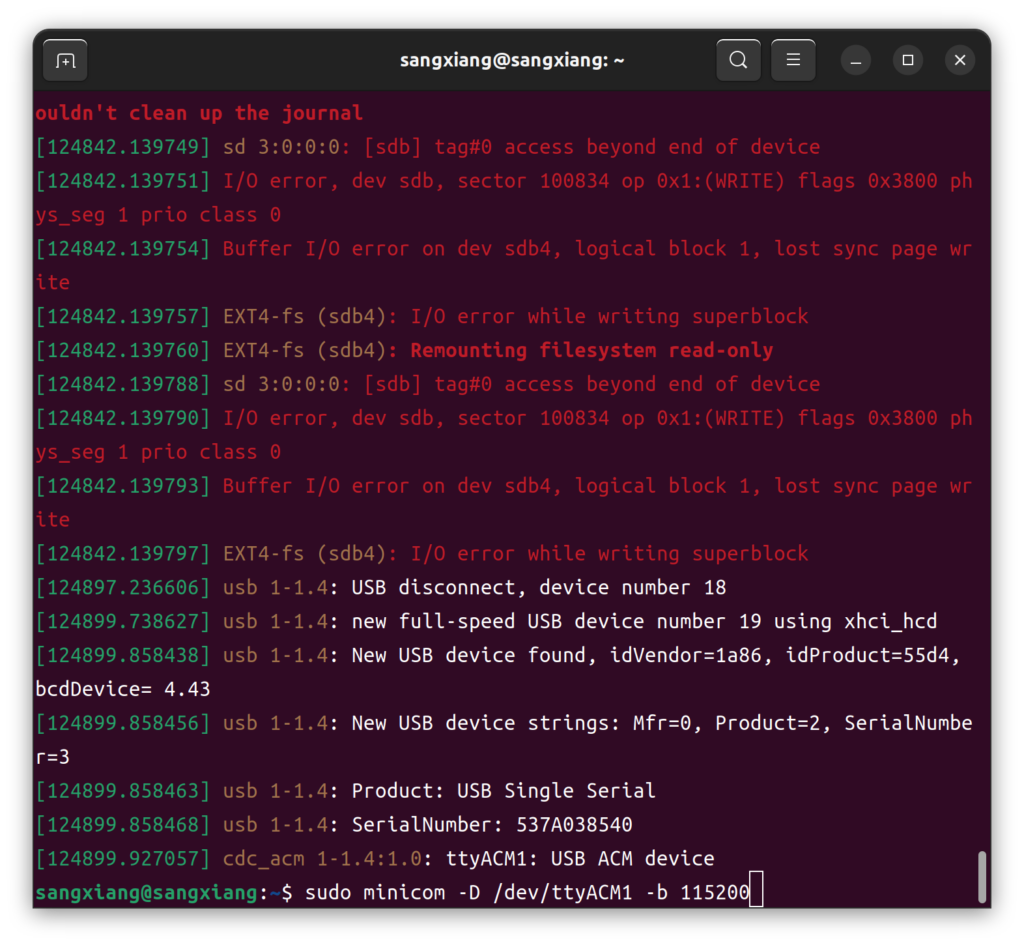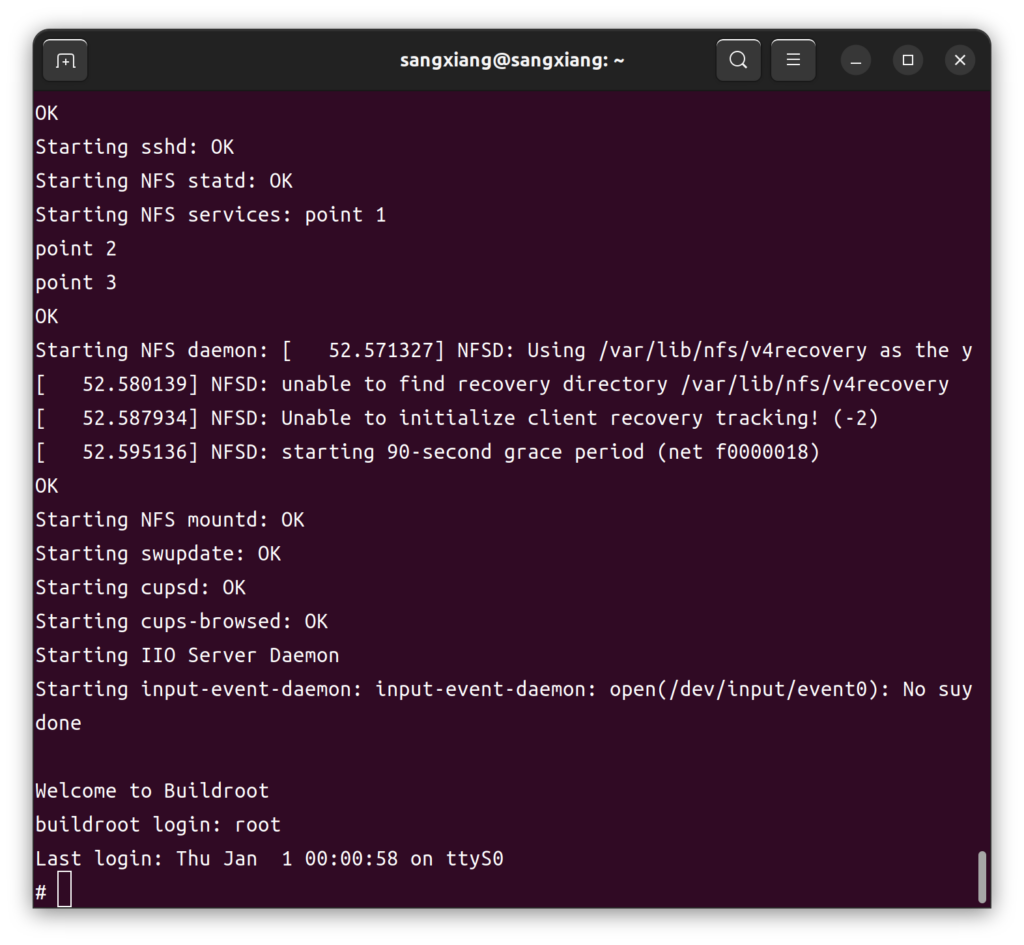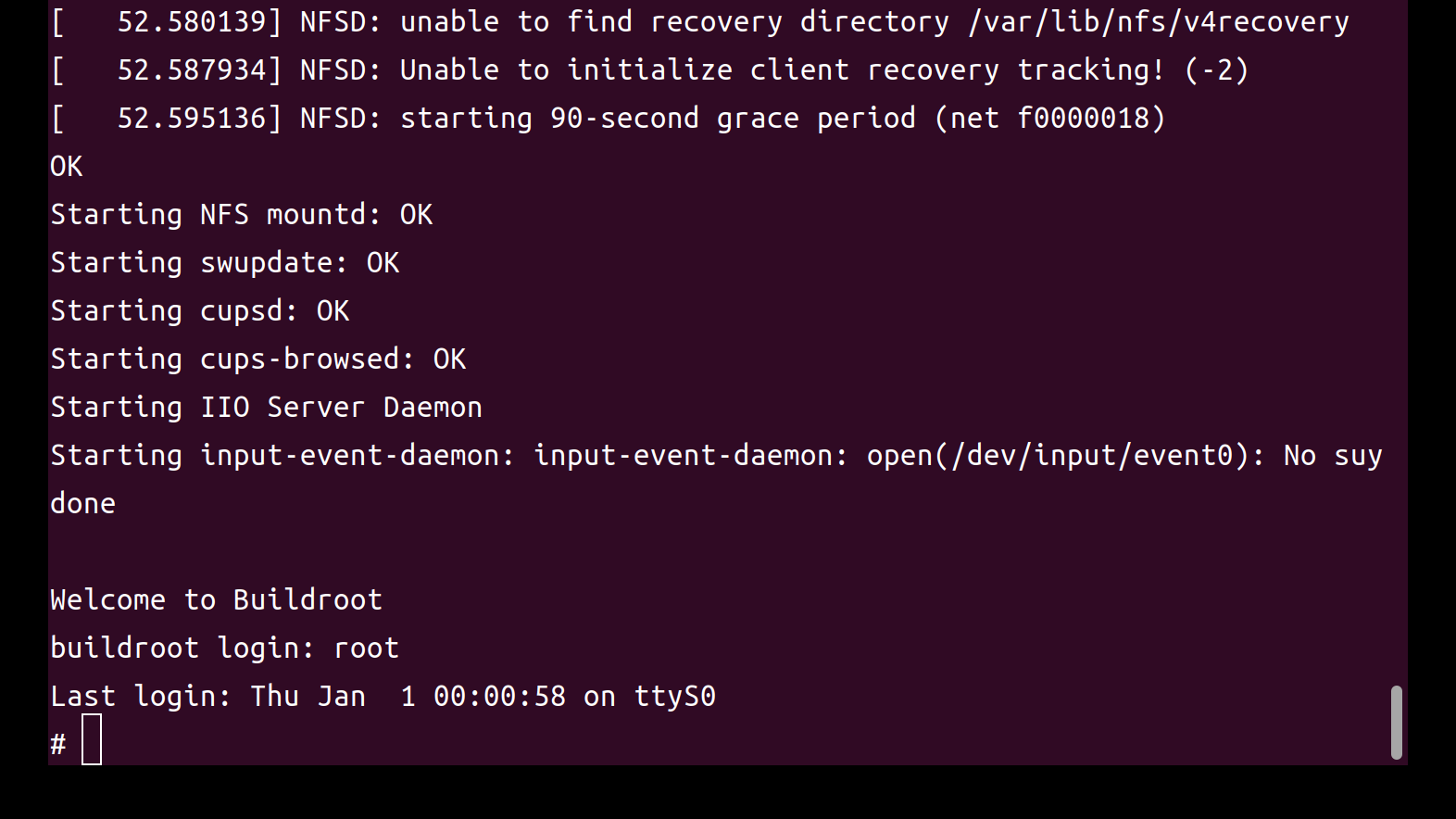
开发环境
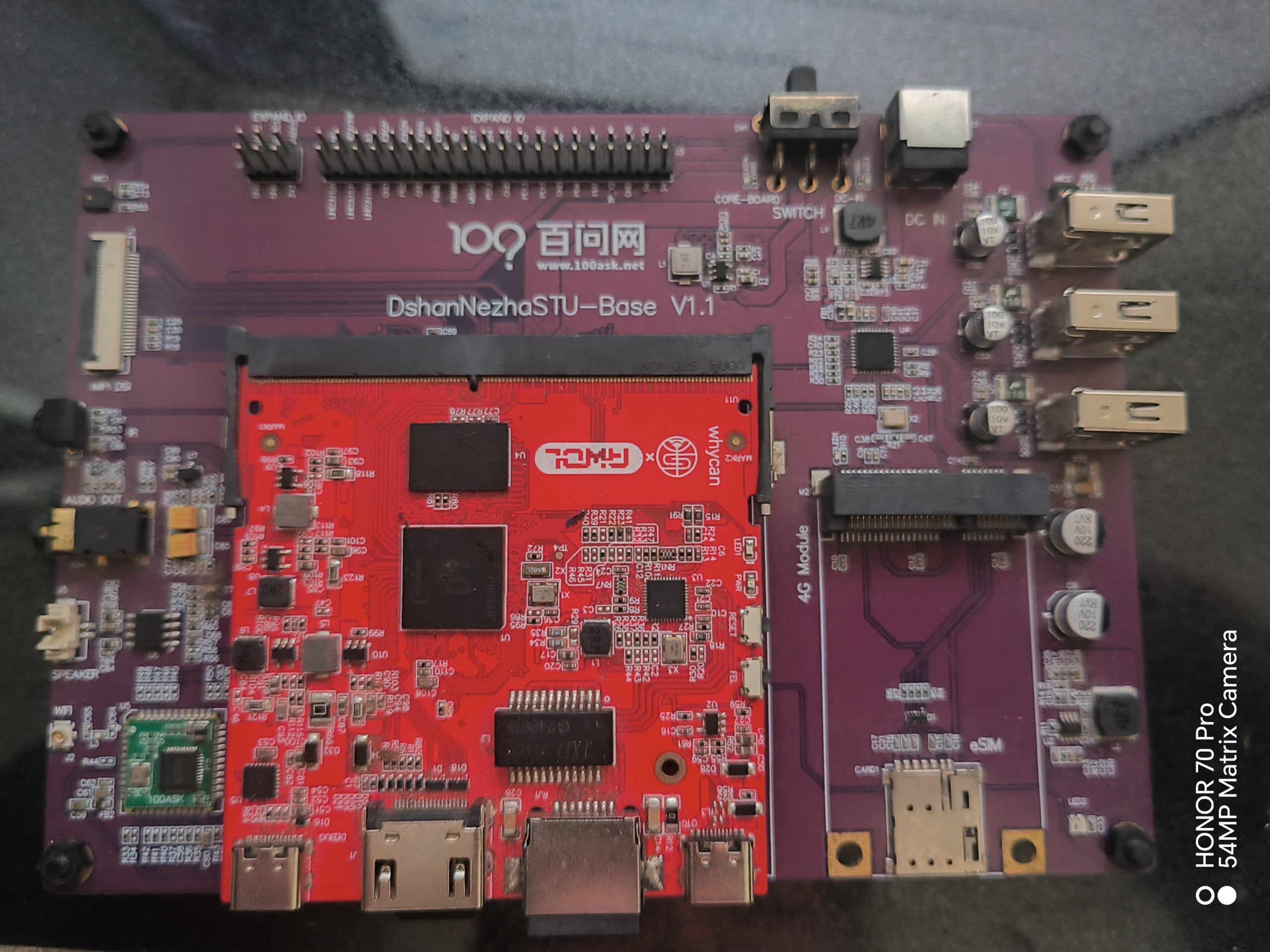
- 我们使用dongshannezha STU 开发板进行开发
- 一台装有ubuntu24的pc或者云服务器
安装docker
sudo apt-get remove docker docker-engine docker.io containerd runc
sudo apt-get update
sudo apt-get install ca-certificates curl gnupg lsb-release apt-transport-https software-properties-common -y
curl -fsSL http://mirrors.aliyun.com/docker-ce/linux/ubuntu/gpg | sudo apt-key add –
sudo add-apt-repository “deb [arch=amd64] http://mirrors.aliyun.com/docker-ce/linux/ubuntu $(lsb_release -cs) stable”
sudo apt-get install docker-ce docker-ce-cli containerd.io -y
sudo usermod -aG docker $USER
sudo apt-get install docker-compose -y
创建工作目录
mkdir -p ~/work/Nezha-D1/docker-env
cd ~/work/Nezha-D1/docker-env
touch Docckerfile docker-compose.yml
cp /etc/ssl/certs/ca-certificates.crt ./
创建nezha d1 开发容器
Dockerfile脚本内容如下:
# 1. 基础镜像:使用Ubuntu 18.04FROM ubuntu:18.04 #
2. 设置维护者信息LABEL maintainer=”[email protected]”
# 3. 换源(可选,但推荐),加快下载速度
#RUN sed -i ‘s/archive.ubuntu.com/mirrors.aliyun.com/g’ /etc/apt/sources.list && # sed -i ‘s/security.ubuntu.com/mirrors.aliyun.com/g’ /etc/apt/sources.list
# 4. 设置环境变量
ENV DEBIAN_FRONTEND=noninteractiveENV LANG=C.UTF-8ENV TZ=Asia/Shanghai
# 5. 安装基础工具
RUN apt-get update && apt-get install -y –no-install-recommends tzdata curl wget vim git net-tools iputils-ping build-essential libncurses5-dev flex bison git subversion mercurial gettext pkg-config patch cpio python3 unzip rsync wget libssl-dev bc file android-tools-mkbootimg dosfstools mtools
COPY ./ca-certificates.crt /etc/ssl/certs/
#RUN apt-get install -y which sed make binutils build-essential gcc g++ bash patch gzip bzip2 perl tar cpio unzip rsync file bc wget python ncurses5 bazaar cvs git mercurial scp subversion android-tools-mkbootimg
RUN ln -fs /usr/share/zoneinfo/${TZ} /etc/localtime && echo ${TZ} > /etc/timezone && dpkg-reconfigure –frontend noninteractive tzdata && apt-get clean && rm -rf /var/lib/apt/lists/*
# 6. 设置工作目录
WORKDIR /root
# 7. 默认命令
CMD [“/bin/bash”]
—————————————————————————————–file end——————————————————————————————————————————————————————————————-file begin———————————————————————————————–
docker-compose.yml脚本如下
services: nezha:
#image: my-ubuntu18-nezhad1-env:latest
build: context: ./ dockerfile: Dockerfile stdin_open: true # 代表 docker run -i tty: true # 代表 docker run -t container_name: nezhad1-ubuntu18-env restart: always volumes: – type: bind source: ./work target: /root/work consistency: cached—————————————————————————————–file end————————————————————————————————–
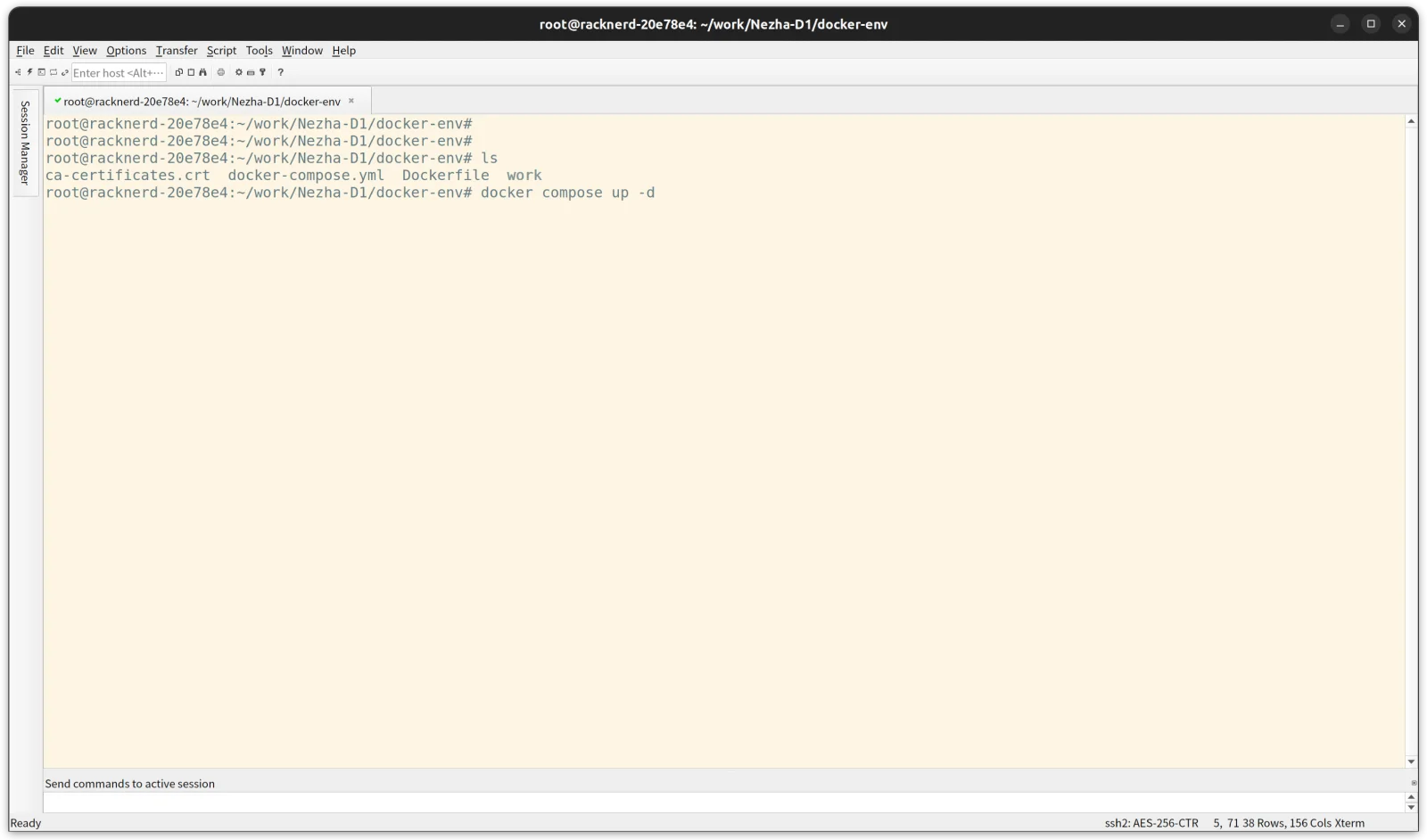
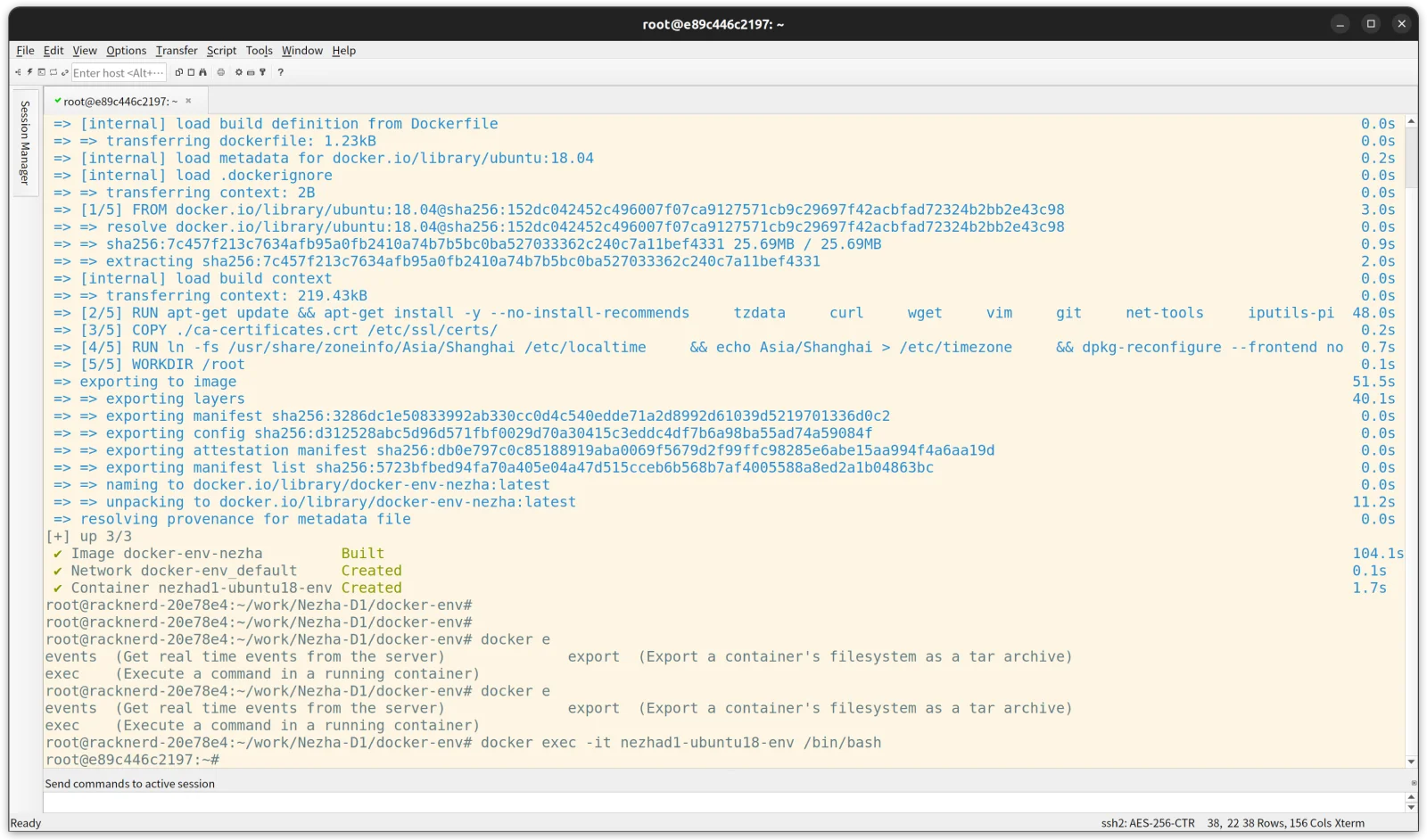
使用 docker compose up -d 命令构建开发容器环境
使用以下命令进入容器环境
docker exec -it nezhad1-ubuntu18-env /bin/bash
下载buildroot源码并使用默认配置编译
mkdir -p ~/work/Neza-D1 && cd ~/work/Neza-D1/
git clone https://gitee.com/weidongshan/neza-d1-buildroot.git buildroot-2021
cd buildroot-2021
make nehza-d1_deconfig
make BRJLEVEL=N(N<=2xCPU数量)
却是交叉编译工具链会出现如下错误
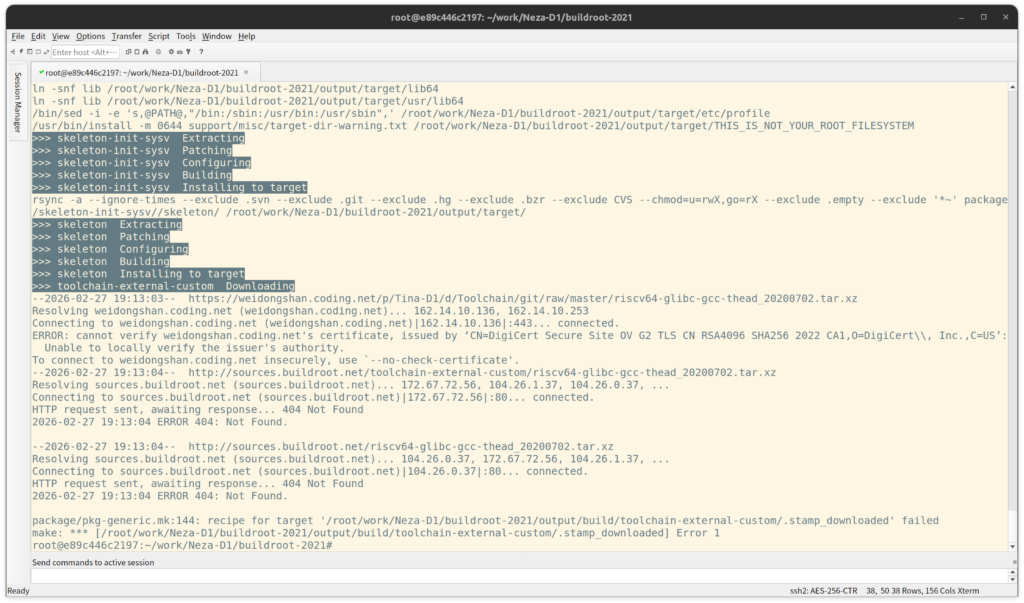
git clone https://e.coding.net/weidongshan/Tina-D1/Toolchain.git
cp Toolchain/riscv64-glibc-gcc-thead_20200702.tar.xz dl/toolchain-external-custom/
make BRJLEVEL=N(N<=2xCPU数量)
接下来就是漫长的等待了(摸鱼喝茶时间到)
SD卡镜像文件sdcard.img位于output目录下,使用balena-etcher烧录到SD卡中,SD卡插入开发板上电启动打开串口